What London's Live Webcams Reveal About Modern Urban Life
Wondering what London's live webcams reveal about modern urban life? This guide sorts the best feeds by what you actually need, not just by landmark.
Author:James RowleyOct 01, 202675 Shares75.1K Views

What London's Live Webcams Reveal About Modern Urban Life (And How To Watch Them Yourself)
You want to know what's happening on a London street right now, and you don't want to wade through a list of ten pretty landmark thumbnails to find the one feed that actually answers your question. I've spent years reviewing these exact camera pages for this site, watching the same feeds day after day.
Most guides to London's webcams make the same mistake: they organize by landmark instead of by what you're actually trying to find out.
This guide sorts the feeds by the job you need done, whether that's checking traffic before you drive, checking the weather before you head out, or getting a look at a place before you visit it. Along the way, you'll also get a straight answer to a question that trips up a lot of people: whether these public cameras are the same thing as CCTV.
Quick Answer
- London has two main types of public live feeds: TfL's traffic cameras and landmark webcams hosted by sites like VisitLondon.
- TfL's traffic feed, known internally as JamCam, covers hundreds of locations and updates every few minutes rather than streaming continuous video.
- A public traffic camera is not the same as security CCTV, even though people often use the terms interchangeably.
- The right feed depends on your goal: traffic before travel, weather before you head out, or a landmark preview before a visit.
- Some feeds go temporarily offline for maintenance, so one dead link doesn't mean the whole network is down.
Why London's Live Webcams Are More Than A Novelty
A live camera feed sounds like a small thing, a picture of a street corner refreshing every so often. But once you watch one regularly, as I have with several feeds on this site, you start to see a city's actual rhythm rather than a postcard version.
These feeds can also be useful as informal observation tools for students studying urban life, alongside more traditional academic research support.
The Difference Between A True Live Stream And A Refreshed Traffic Image
Most people assume every "live" camera streams continuous video, but that's not quite right. TfL's traffic camera networkis mostly made up of static images that refresh at short, regular intervals, with short video clips available from some locations rather than an unbroken feed. A handful of landmark cameras, like the ones VisitLondon hosts, do run as genuine continuous streams.
That distinction matters because it changes what a feed is good for. A refreshed still image is perfect for a quick traffic check. A continuous stream is better if you want to actually watch a place for a few minutes, the way you might watch the Abbey Road crossing to see whether anyone's recreating the famous album cover.
What These Feeds Quietly Show About How The City Moves
Watch a single traffic camera across a full day and you'll notice the city has a pulse: quiet before dawn, a sharp build-up around the morning commute, a lull mid-afternoon, and a second surge in the early evening. That daily rhythm has also changed with flexible working, as some people now work from a dedicated garden officeinstead of making the same commute every day.
It's the same pattern you'd expect from any major city, but seeing it play out frame by frame on a single junction makes it concrete in a way a traffic report never quite does. If you want to see this pattern mapped across the city rather than one junction at a time, our piece on London's busiest intersectionsbreaks it down further.
That's the real value of these feeds beyond novelty. They turn an abstract idea, "London is busy," into something you can actually observe happening in real time. Once you understand that these cameras are showing you patterns, not just pictures, you're ready to pick the right one for your own purpose.
The Three Reasons People Actually Watch London's Webcams
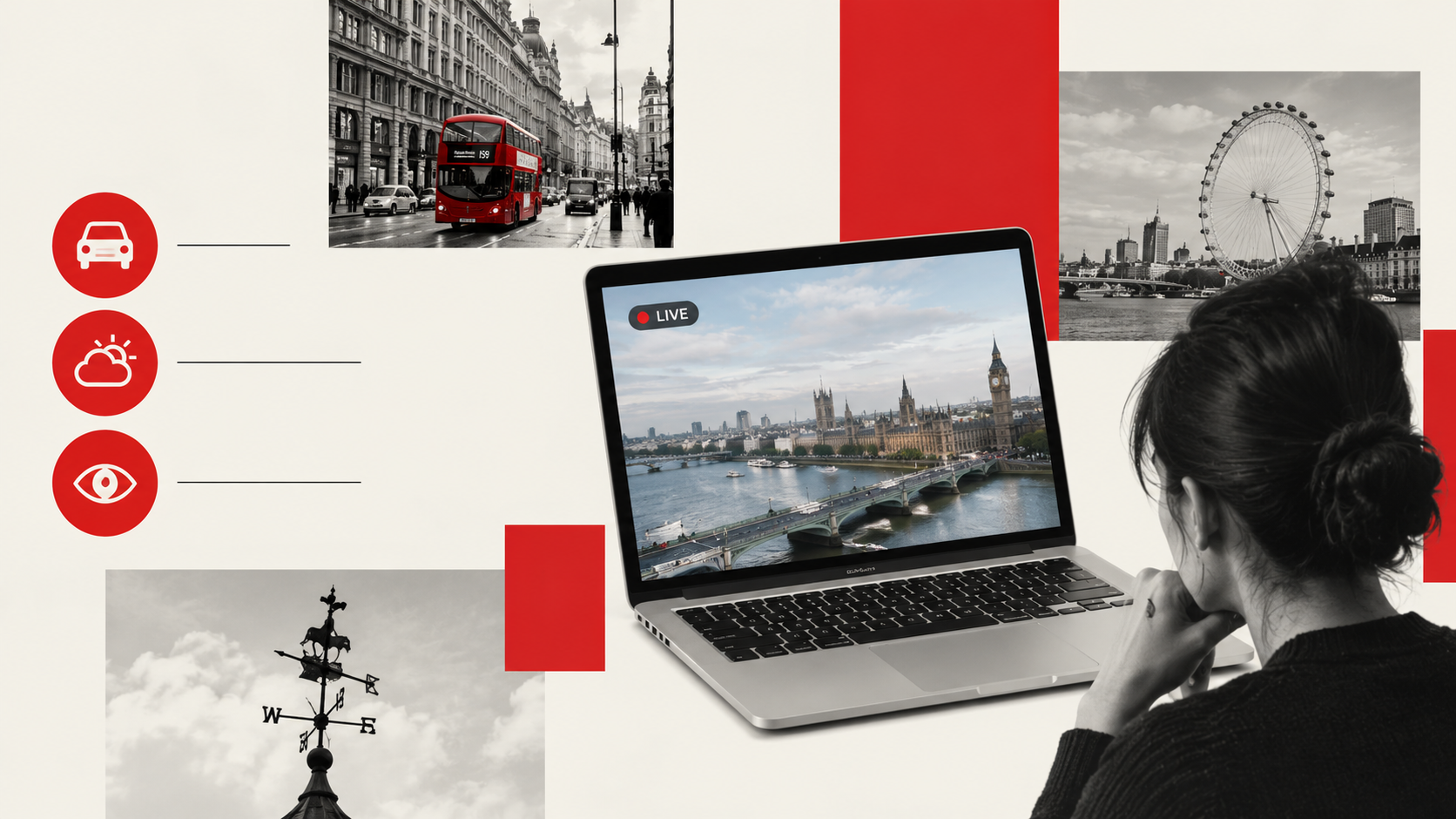
Nearly everyone who searches for a London webcam is trying to do one of three things, and knowing which one you're doing makes the rest of this guide much faster to use.
Checking Traffic Before You Travel
If you're driving into or across London, TfL's traffic camera networkis the feed built for this exact job. The images are location-tagged and time-stamped, and TfL notes that they're intended for practical reuse, including by radio stations for traffic bulletins and by commuters planning a route home.
Check the camera nearest your route before you set off, not after you're already stuck. A three-minute refresh interval means you're seeing recent conditions, not the exact second you look, so treat it as a strong indicator rather than a live commentary. If you're new to navigating the city more broadly, our guide on how to get around Londonpairs well with this.
Checking The Weather Before You Head Out
Weather-focused webcams work slightly differently to traffic cameras, since the point isn't the road surface but the sky and general conditions around a landmark. A skyline or riverside feed can give you a genuinely useful sense of whether it's raining, overcast, or clear before you commit to a jacket-versus-umbrella decision. It's a small use case, but it's one of the most common reasons people click into a London webcam page in the first place, and it pairs naturally with our dedicated London weather guide.
Previewing A Place Before You Visit It
This is the tourism-adjacent use case, and it's where landmark webcams do their best work. Watching Piccadilly Circus or Trafalgar Square for a minute before you go gives you a realistic sense of the crowd level, something a photo taken at a random past moment can't tell you.
It's also, frankly, the most enjoyable reason to watch these feeds if you're simply homesick for London or planning a future trip, and if Piccadilly is on your list, it's worth reading where to eat nearby once you check the feed near Piccadilly Circus.
Once you know which of these three jobs you're doing, choosing the actual camera becomes a lot simpler.
How To Choose The Right Camera For What You Need
Most webcam roundups list feeds by landmark and leave you to guess which one fits your situation. I'd rather save you that step.
Match The Feed To The Job, Not Just The Landmark
The mistake most people make is picking a camera because it's famous, not because it's useful for what they're actually trying to find out. A gorgeous skyline shot of Canary Wharf is a poor substitute for a dedicated traffic camera if you're trying to judge your commute, and a traffic camera is a poor substitute for a landmark feed if you just want to see how busy Oxford Street looks before you go shopping.
Quick Decision Checklist
Use this as a starting point rather than a rulebook. It's built directly from the three use cases above.
| Your Goal | Check This First |
| Planning a drive or checking congestion | TfL's traffic camera network |
| Deciding what to wear before heading out | A skyline or riverside webcam |
| Previewing crowd levels before visiting | The landmark's dedicated webcam |
| Curious what a place looks like right now | Any continuous-stream landmark feed |
A Local's Note:One habit worth picking up is checking the timestamp on a still image before you trust it. If a "live" traffic image looks unusually quiet for the time of day, it's often just an older refresh rather than an accurate snapshot of the current moment.
The Best London Webcam Feeds, Area By Area
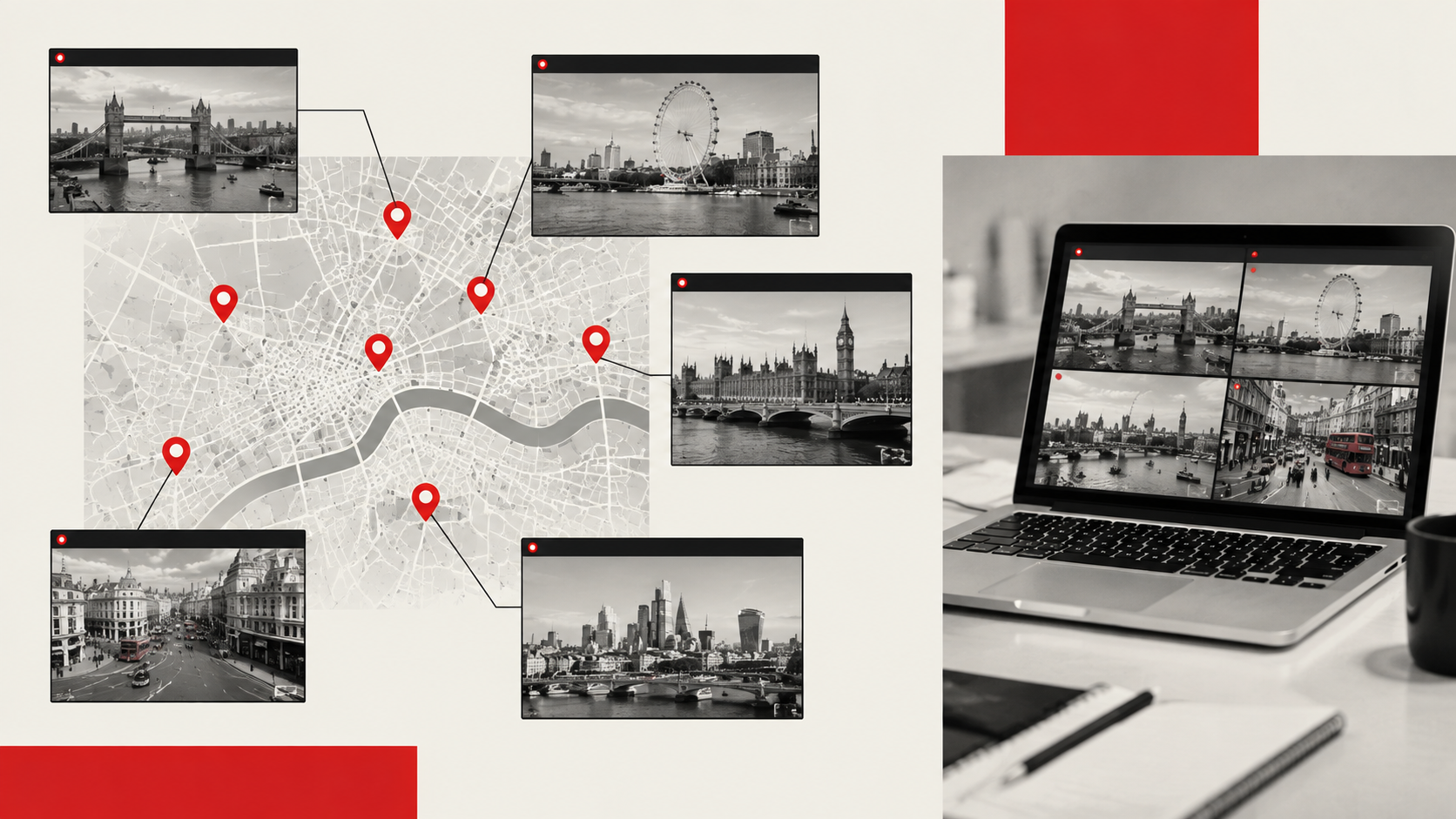
With your goal defined, here's where to actually look, grouped by part of the city so you're not hunting across a dozen separate pages.
Central London And The West End
This cluster covers the busiest, most photographed stretch of the city, including Piccadilly Circus, Oxford Street, and Trafalgar Square. It's the strongest area for the "previewing a place" use case, since crowd levels here shift dramatically by hour and by day.
Royal And Riverside London
Buckingham Palace, Tower Bridge, and the wider Thames make up this group, and it's popular with both sightseers and people simply enjoying a skyline view. Some individual palace-gate feeds aren't officially guaranteed to be live year-round, so check VisitLondon's current webcam listingdirectly if a specific camera matters to your visit. If you're spending the day near the river, our guide to things to do near Westminster Bridgefits neatly alongside a riverside feed.
Parks, Culture, And Music Landmarks
Hyde Park and the Abbey Road crossing sit here, and this is the category most people search for out of curiosity rather than practical need. The Abbey Road feed in particular is worth watching for a minute or two if you want to catch fans recreating the famous crossing photo.
| Area & Best For | Live Feed |
| Central London & West End, best for crowd previews and shopping-street traffic | Browse our live camera library for the current Piccadilly Circus and Oxford Street feeds |
| Royal & Riverside London, best for sightseeing and skyline views | VisitLondon's webcam listing for Buckingham Palace and Tower Bridge |
| Parks, Culture & Music Landmarks, best for casual or nostalgic viewing | Browse our live camera library for Hyde Park and Abbey Road |
Are London's Webcams The Same As CCTV?
This is one of the most searched questions around this topic, and it deserves a straight answer rather than a vague one.
What's Public, What Isn't, And Why It Matters
A public webcam, whether it's a TfL traffic camera or a landmark feed, is designed to be viewed by anyone. Security CCTV, by contrast, exists primarily for monitoring and incident response, and access to that footage is restricted rather than published for public viewing. The confusion is understandable, since both involve a camera pointed at a public street, but the purpose and the access rules are genuinely different.
Where it gets slightly blurred is that some infrastructure, including parts of London's traffic control camera network, is jointly used for public traffic feeds and for incident monitoring by TfL and the police. So a camera can technically serve both functions, but the images you see on a public webcam page are the public-facing side of that system, not raw surveillance access.
Related London Webcam Guides Worth Reading Next
- London's Live Webcams: A Weather and Traffic Guide
- How Webcams Help You Read London Before a Day Out
- London's Busiest Intersections
- How Live Streaming Is Helping More People Experience London Bus Rides
Frequently Asked Questions
Which London Live Cameras Are Most Useful?
It depends on your goal. TfL's traffic network is most useful for driving decisions, while VisitLondon's landmark webcams suit sightseeing and previewing a location before you visit.
Can I Use These Feeds For Traffic Or Sightseeing?
Yes, both are valid uses. TfL's camera network is built specifically for traffic conditions, while landmark feeds like Piccadilly Circus or Tower Bridge are better suited to sightseeing and crowd previews.
Which Camera Should I Check First?
Start with the feed matched to your actual goal. Check traffic before you travel, check a skyline or riverside feed before you dress for the weather, and check a landmark feed before you visit somewhere new.
Do London Webcams Show Real-time Video?
Most traffic cameras show still images refreshed every few minutes rather than continuous footage, though a number of landmark webcams do run as genuine live streams.
Continuous video is also becoming more sophisticated, and AI tools for live streamingare beginning to support features such as automatic captions, translation and smarter video workflows.
Check the specific feed's description if this distinction matters for your use.
Why Do Some London Webcams Go Offline?
Feeds can pause for scheduled maintenance, a system fault, or because a camera is temporarily needed for active traffic management instead of public streaming. A single dead feed doesn't mean the wider network is down.
Can I Watch London Webcams On Mobile?
Yes, both TfL's traffic feeds and landmark webcams like VisitLondon's are viewable in a standard mobile browser without needing an app or account.
Is There A Live Camera For Buckingham Palace?
Several sites host webcams covering the Buckingham Palace area, though a dedicated, permanently live gate-level stream isn't officially guaranteed. Check the current listing on VisitLondon's webcam pagefor what's active at any given time.
Final Thoughts
The most useful thing you can take from this guide isn't a single favourite camera, it's the habit of matching the feed to the job. Traffic before you travel, a skyline or weather feed before you head out, a landmark camera before you visit somewhere new. Once you're picking feeds that way instead of just clicking the prettiest thumbnail, these cameras stop being a novelty and start being genuinely useful.
What struck me most, after watching these feeds regularly for this site, is how much they reveal about a city simply by sitting still and refreshing every few minutes. London doesn't perform for the camera. It just keeps moving, and that's exactly what makes it worth watching.
Jump to
What London's Live Webcams Reveal About Modern Urban Life (And How To Watch Them Yourself)
Why London's Live Webcams Are More Than A Novelty
The Three Reasons People Actually Watch London's Webcams
How To Choose The Right Camera For What You Need
The Best London Webcam Feeds, Area By Area
Are London's Webcams The Same As CCTV?
Frequently Asked Questions
Final Thoughts

James Rowley
Author
James Rowley is a London-based writer and researcher covering London life, cultural geography, London travel, live London webcam pages and selected public figures across entertainment, sport, business and public life.
For over 15 years, he has focused on verified sources, first-hand local context and clear explanations that help readers understand both places and people more deeply. His work combines street-level London knowledge with careful research into career credits, media work, business interests and, where relevant, transparently explained net worth estimates.
He writes and reviews articles published on LondonWebcam.
Latest Articles
Popular Articles