What To Do If You Lose Your Phone In London: 5 Immediate Steps
Lost your phone in London? Follow these 5 immediate steps to track your device, secure your banking apps, report theft to the police, and contact TfL.
Author:James RowleySep 11, 20263.4K Shares157.1K Views
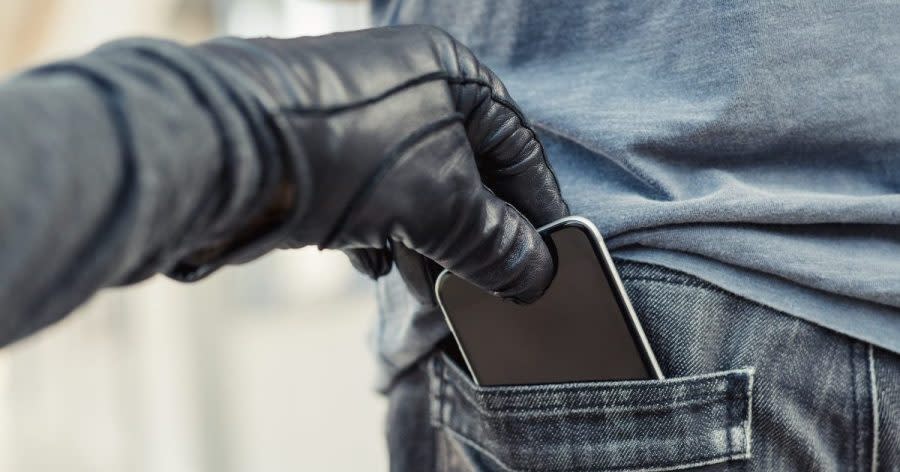
Lost Your Phone In London? Start With These 5 Steps
Losing your phone in Londoncan turn a straightforward day out into a scramble for maps, tickets, banking access and hotel details. The most useful response is to secure the phone first, then deal with reporting and recovery.
If you have just lost your phone, work through these five steps:
- Get somewhere safeand decide whether the phone is misplaced or appears to have been stolen.
- Use Find My or Find My Device to locate and remotely lock the device.
- Contact your mobile networkto protect the SIM and limit unauthorised use.
- Report the theftto the appropriate police service if you believe the phone was stolen.
- Protect your money and accounts, then arrange replacement connectivity if necessary.
The Metropolitan Police, Ofcom, Apple and Google all emphasise acting quickly after a phone goes missing because the device can provide access to personal information, financial services and authentication codes.
If your device is lost or stolen, your physical safety must always come first. Never confront suspected thieves or travel to unfamiliar or private locations to recover a tracked phone. Since fraud policies change frequently, be sure to contact your bank and mobile network provider directly for the most up-to-date security guidance.
Need immediate help?
- Immediate danger or crime in progress: Call 999
- Non-emergency theft (Met Police): Call 101 or report online
- Crime on the Tube or train (BTP): Text 61016 or call 0800 40 50 40
Step 1: Get Somewhere Safe And Work Out What Happened
Before chasing a location on a map or retracing your steps, move away from traffic, crowds or anyone you suspect may have taken the phone.
Then ask three simple questions:
- Did you probably leave the phone somewhere?
- Could it have fallen out of a pocket or bag?
- Did someone deliberately take it?
This distinction matters because lost property and stolen property follow different recovery routes.
If You Think You Misplaced It
If there is no sign of theft, start with the easiest possibilities:
- Call the phone from another device.
- Check the last place where you used it.
- Retrace your route if it is safe to do so.
- Ask cafés, restaurants, hotels, shops or attractions whether it was handed in.
- Use the relevant transport operator's lost-property system if you were travelling.
If You Know It Was Stolen Or Snatched
If someone grabbed the phone from your hand or you believe it was deliberately taken, treat it as theft.
- Do not chase the offender. A phone snatch happens quickly, and confronting a thief puts your physical safety at risk.
- Do not map-watch. Do not spend an hour repeatedly refreshing a tracking map while leaving your bank and email accounts exposed.
- Assess the danger. If you feel threatened, injured, or unsafe, call 999.
For a non-emergency theft, your immediate priority is to move to the next steps: lock the device remotely, contact your network, and report it to the appropriate police service.
Step 2: Try To Find And Lock Your Phone
The first practical test is whether your phone can still be located.
Don't assume that a map location means you should travel there yourself. A location can be approximate, particularly indoors or underground, and a suspected thief may still have the device.
If You Have An IPhone
Use Find Myor iCloud.com/findto locate the device. Apple allows you to play a sound, activate Lost Mode, view its location and, when appropriate, erase it remotely.
Lost Mode locks the iPhone and can display contact information. Apple also says that payment cards and passes used with Apple Pay are suspendedwhen an iPhone is put into Lost Mode.
If you cannot recover the device, remote erasure is an option, but it should not be your first reflex if you are still trying to locate it. Apple warns that remote erasure cannot be undone.
Do not remove a stolen iPhone from Find My simply because you have erased it.Apple says removing it from Find My also removes Activation Lock, which can make the device easier to unlock and resell.
If You Have An Android Phone
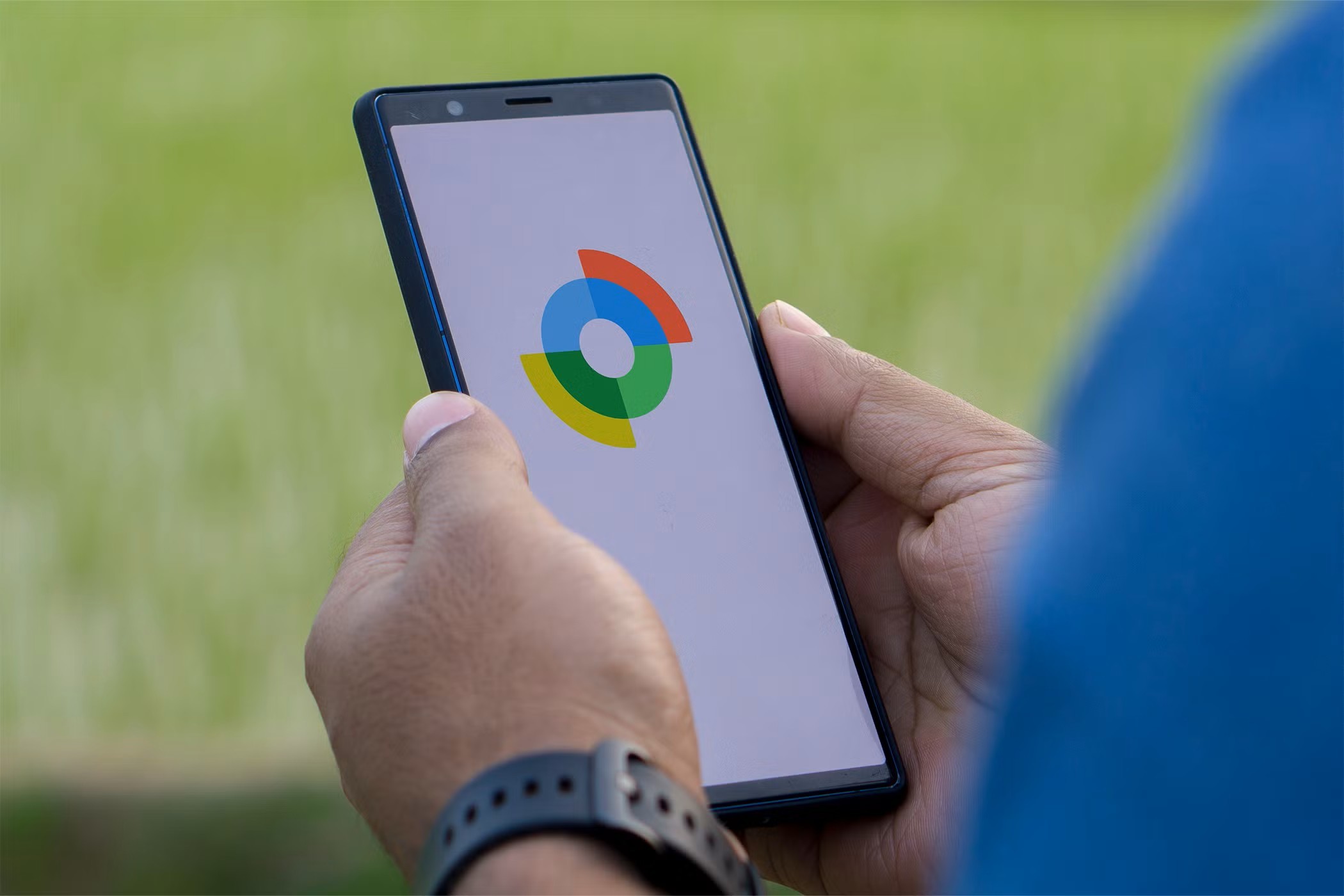
You can select the missing phone, view its location and choose options such as playing a sound or marking it as lost. Find My Device can also show a last known location when a current location is unavailable.
Google also provides Remote Lockon supported devices, allowing the screen to be locked remotely when the required security settings have been enabled.
Remote erasure is more final. Google says that once an Android device has been erased, its location will no longer be available through Find My Device, so consider the recovery implications before using it.
If The Phone Is Off Or Offline
A missing phone does not necessarily disappear from tracking services the moment it goes offline.
Depending on the device, its settings and the available network, you may see a recent or last known location rather than a live position. Google says Find My Device can use encrypted recent locations and, on supported devices, participate in an offline-finding network.
Apple's Find My system can also provide location-related features depending on the device and its settings.
The important point is not to treat an old map pin as a guaranteed current location.
If the location points to a private address or another potentially unsafe place, pass that information to police rather than attempting recovery yourself.
The immediate priority is now clear: secure the device first, then choose the correct reporting route.
Step 3: Contact Your Mobile Network As Soon As Possible
Finding the handset is only half the problem. Your mobile number can also be connected to calls, texts, authentication codes and financial services.
Block Or Suspend The SIM
Contact your network as soon as you reasonably can after the phone goes missing.
Ofcom advises consumers to notify their provider promptly because unauthorised use can create additional charges. For customers of major UK networks including EE, O2, Three and Vodafone, Ofcom says there is a specific £100 maximumfor certain unauthorised use outside the allowance if the phone is reported missing within 24 hours.
Data as of 2026 - check the latest Ofcom and provider guidance before relying on these terms.
The exact protections can depend on the provider and circumstances, so don't assume every network has identical rules.
Ask About A Replacement SIM
Your network can explain how to obtain a replacement SIM or equivalent service while retaining your existing number.
This is particularly important for travellers because losing the physical handset does not necessarily mean you need to abandon the number associated with your contacts and accounts.
Get Your IMEI Number
An IMEI numberis a unique identifier for a mobile handset.
The Metropolitan Police advises keeping your IMEI somewhere other than the phone itself. It can help identify the device and is useful when reporting a loss or theft to police or your provider.
If you still have access to your device records, account information or original packaging, look for the IMEI there. Some phones also expose the number through their account or device-management services.
What Happens To Your Existing Number?
Usually, losing the handset does not mean permanently losing the number.
Your network can explain the replacement process, including whether you need a physical SIM or eSIM and how to transfer your service to another device.
The important sequence is secure the missing SIM first, then restore your number on a replacement device.
Step 4: Who Should You Contact In London?
Knowing the right organisation prevents wasted time, particularly because London has several policing and transport bodies.
| Situation | Contact |
| Phone stolen in most of London | Metropolitan Police |
| Incident in the City of London | City of London Police |
| Theft on the railway or London Underground | British Transport Police |
| Phone lost on TfL services | TfL Lost Property |
| Immediate danger or crime in progress | 999 |
Metropolitan Police
For most of Greater London, phone theft is handled by the Metropolitan Police.
The Met says a stolen phone should be reported as soon as possible. You can report a non-emergency crime onlineor call 101; if you have been hurt, feel unsafe or the crime has just happened in an emergency situation, call 999.
Include useful identifying information such as the phone's IMEI number and details of any fraudulent transactions.
City Of London Police
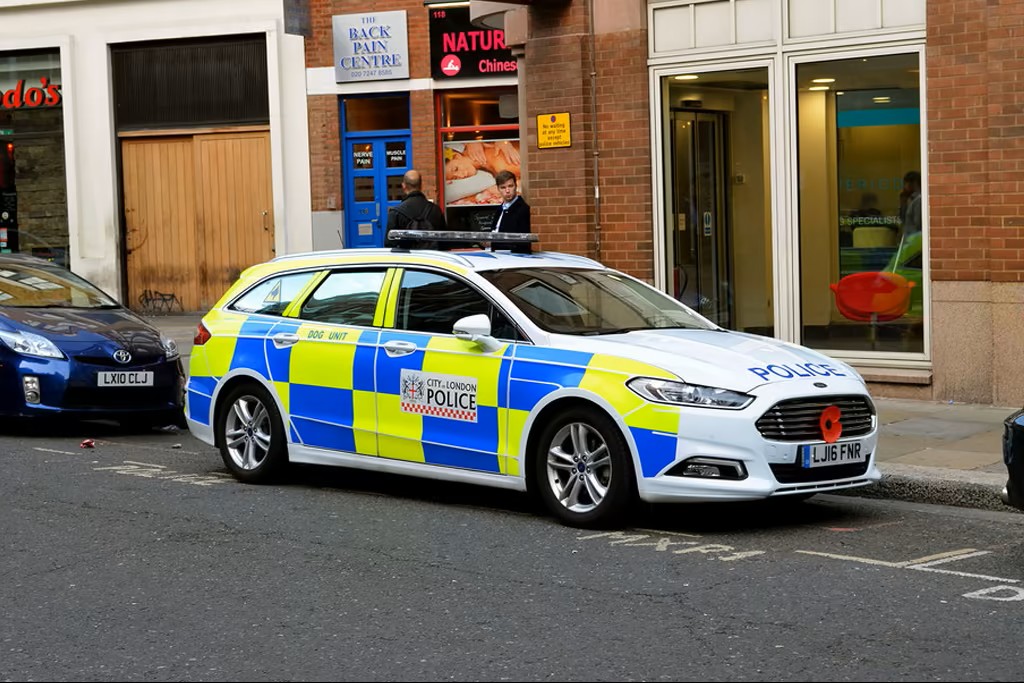
The City of Londonis the historic Square Mile at the centre of London, and it has its own police force.
If the incident happened within that jurisdiction, City of London Police provides online reportingand advises using 999 for emergencies and 101 for non-emergency crime.
You don't need to work out every policing boundary yourself before seeking help. If you're unsure, use the relevant police reporting service and provide the location; the reporting process can direct you appropriately.
British Transport Police
For theft or other crime on London's railway network, including the London Underground, British Transport Police (BTP)is the specialist police force to contact.
BTP says non-emergency incidents can be reported by texting 61016or calling 0800 40 50 40. An emergency on the railway should be reported through 999.
BTP specifically covers the London Underground and works with transport operators to tackle theft of passenger property.
Transport For London
TfL is the key lost-property route for phones left on applicable TfL services and in taxis it regulates.
Its lost-property process asks for details about the item and where and when it was lost. If the property is found, TfL can contact you to arrange collection or delivery.
So the simple rule is:
Police for suspected theft; transport lost-property services for something you believe you simply left behind.
Step 5: Protect Your Money And Online Accounts
A stolen phone can be more significant than the value of the hardware because it may provide a route into other accounts.
Check Your Bank And Payment Apps
If your phone contained banking apps, digital wallets or payment services, check your accounts for anything unusual.
The Metropolitan Police advises stolen-phone victims to contact banks and other financial providers and to watch for fraudulent transactions.
If you see an unfamiliar transaction, contact the bank immediately using an official contact method rather than a message or phone number supplied by someone who claims to have found your phone.
Protect Two-Factor Authentication
This is one of the biggest problems for travellers.
Your phone may be the device that receives two-step verification codes for email, social media, banking or other services. If you simply block the SIM without considering how you will authenticate on another device, you can create a second problem.
Before travelling, it is worth having a backup authentication method. After a loss, use your account's recovery options or another trusted device where available.
The Metropolitan Police recommends keeping somewhere separate from the handset where you can access two-step verification codes and other important information.
Secure Your Email And Main Account
Your email account deserves particular attention because it can be used to reset passwords for other services.
If the stolen phone may have been accessible, change passwords for your most sensitive accounts, prioritising:
- Email.
- Banking and financial services.
- Apple Account or Google Account.
- Password manager.
- Social media and messaging services.
- Work platforms and business software, particularly if you manage a company on the go or rely on tools found in the best free startup kits for small business owners.
Use unique passwords rather than reusing the same one across accounts.
Watch For Phishing Messages
A particularly dangerous follow-up is a convincing message claiming that your phone has been found.
A scammer may try to persuade you to enter your Apple Account or Google credentials, provide a verification code or disable a security feature.
Never give a verification code or password to someone claiming they need it to return your phone.
If you receive a message about your missing device, access your account through the official app or website rather than following an unexpected link.
How To Report A Lost Phone On TfL Services

If you think you left your phone on the Tube, a London bus, TfL Rail, a licensed black cab, or elsewhere on London's public transport network, you should report it through the online TfL Lost Property system.
Do not submit a vague description like "black phone." TfL's system relies on specific details to match your inquiry with found items. To give yourself the best chance of recovery, provide as much of the following information as possible:
- Journey details:The specific station, bus route, direction of travel, boarding/alighting stops, or taxi journey details.
- Timing:The date and approximate time you lost it.
- Hardware details:The phone's exact make, model, and colour.
- Distinctive features:The colour or style of the case, and any unique marks, scratches, or identifying accessories.
If the property is found and matched to your report, TfL will contact you to arrange collection or delivery. Keep in mind that items may need to be handed in and processed before they appear in the system, so an immediate match is not always possible. Be aware that TfL charges a non-refundable administration fee (currently £20 for mobile phones) to reclaim lost property.
Can Police Recover A Stolen Phone?
Recovery is possible in some cases, but it should never be presented as guaranteed.
Police may use information such as the phone's description, IMEI, circumstances of the theft, CCTV and available tracking information as part of an investigation.
The Metropolitan Police has also reported successful phone-recovery operations, including targeted work against organised theft. But individual outcomes vary.
Location tracking has an important limitation: a map pin does not necessarily identify an exact person or safe recovery point. Google notes that GPS, Wi-Fi and mobile-tower information can have different levels of accuracy, particularly indoors or underground.
That is why a tracked phone should not become a reason to visit an unfamiliar address or confront someone.
If a location updates after you report the theft, preserve the information and provide it to police.
The best outcome is not simply recovering the handset; it is doing so without creating another safety risk.
What If You Are A Tourist And Have No Phone?
For a visitor, losing a phone can disrupt almost every part of the trip at once. The solution is to separate phone recoveryfrom trip continuity.
Use A Hotel, Station Or Trusted Person's Phone
If you have no second device, ask a hotel reception desk, trusted travel companion, transport staff or another appropriate service point whether you can make an essential call.
You don't need to solve every problem simultaneously. Start with device security and communication.
Recover Your Important Travel Information
Think about what was stored only on the missing phone:
- Hotel address.
- Flight or train booking.
- Attraction tickets.
- Travel insurance details.
- Emergency contacts.
- Booking confirmations.
- Important emails.
If these are accessible through another device, retrieve them. If not, contact the relevant provider directly.
This is why keeping critical travel details somewhere other than your phone is such a useful precaution.
Get Temporary Internet Access
Once the phone is locked, your next priority is connectivity.
A hotel, library, trusted person's device, public service point or another legitimate Wi-Fi connection may allow you to access your accounts and arrange a replacement SIM or handset.
Avoid entering passwords into unfamiliar public computers where possible, and always sign out when finished.
Replace Your SIM Or Phone
Once the immediate security work is complete, contact your network or insurer about replacement options.
If you're travelling internationally, your home network may have different procedures from a UK network, so check what your provider offers for replacement SIMs, eSIMsand overseas support.
A replacement phone is a practical solution, but don't remove the stolen device from Apple's Find My system or equivalent protections simply because you have bought another handset.
How To Prevent Phone Theft In London
Prevention is less about never using your phone and more about avoiding common tourist scams in Londonand making it harder to snatch, access or exploit.
Keep Your Phone Out Of Sight When You Are Not Using It

Don't leave it on a café table or hold it unnecessarily while walking.
The Metropolitan Police advises keeping phones out of sight when not in use and being aware of people around you while using the device.
Avoid Standing At The Kerb With Your Phone In Your Hand
A common-sense habit is to step away from the edge of the road before stopping to check a map or message.
This reduces the opportunity for a passing offender to grab the phone and immediately leave the area.
You do not need to be frightened of using your phone in London; you simply need to avoid making it unnecessarily easy to take.
Enable Find My Or Find Hub Before Travelling
Set up the relevant tracking service beforeyou need it.
For Apple devices, Find My provides location, Lost Mode and remote-erase features on supported devices.
For Android, Find My Device can locate, secure and erase supported devices.
Check that the service is actually enabled rather than assuming it is.
Use A Strong Passcode
Use a strong device lock and biometric authentication where appropriate.
The Metropolitan Police also recommends short auto-lock periods and additional protection for sensitive apps.
A phone that is difficult to unlock gives a thief another barrier even if the hardware is physically taken.
Register On The UK National Property Register
Register your handset on Immobilise, the UK's national property register. It is free and takes only a few minutes. If the Metropolitan Police or British Transport Police recover a stolen phone, they check Immobilise to identify the owner and return the device.
Quick Checklist Before Your Next London Trip
Before heading out, check that:
- Find My or Find My Device is enabled.
- Your phone has a strong passcode or password.
- Biometric protection is enabled where appropriate.
- Your phone backs up important data.
- Your IMEI is recorded somewhere else.
- You have a backup way to access two-factor authentication.
- Important hotel and travel details are accessible elsewhere.
- Your insurance information is available without your phone.
- Your bank's official contact details are accessible separately.
- You know how to lock the phone remotely.
A few minutes of preparation can make the difference between a temporary inconvenience and a much bigger account-security problem.
Related reading: Essential London travel tips
Frequently Asked Questions
What Should I Do First If I Lose My Phone In London?
Try to locate it, lock it remotely, then contact your network and report theft if appropriate.
Should I Call 999 For A Stolen Phone?
Call 999 if there is immediate danger, violence or a crime in progress; use non-emergency reporting for an ordinary theft.
Should I Go To The Location Shown By A Tracking App?
No. Do not confront a suspected thief; give the tracking information to police instead.
What If My Phone Is Switched Off?
You may still see a last known or recently stored location, depending on the device and previously enabled features.
How Can I Track My Lost IPhone Or Android Device?
For an iPhone, use the Find My app or iCloud.com/find to locate your device and activate Lost Mode. For a supported Android device, use Google Find My Device to locate, remotely lock, or erase your phone.
How Do I Check Lost Property For The Tube, London Buses, Or Black Cabs?
For items lost on the Tube, London buses, or regulated black cabs, report the loss through Transport for London's (TfL) lost-property service by providing your route, travel time, and a description of the phone. If your phone was lost or stolen on the wider London railway network, contact the British Transport Police.
Do I Need A Crime Reference Number?
You may need one for an insurance claim, so keep the reference provided when you report a stolen phone.
What If I Am Visiting London From Abroad?
Secure the phone and accounts first, then use another device or trusted location to arrange replacement connectivity and recover essential travel information.
Quick Recap
If your phone disappears in London, don't start with the police, the insurance claim or a replacement handset unless the situation requires it.
Start by getting somewhere safe, determining whether it is lost or stolen, and using Find My or Find My Device to secure the device. Then contact your network, report theft through the appropriate police service, protect your financial and online accounts, and use transport lost-property channels if you simply left the phone behind.
For visitors, the most useful preparation is simple: enable tracking, save your IMEI, maintain a backup authentication method and keep essential travel information somewhere other than your phone.
The goal is not just to recover a missing phone. It is to make sure losing the phone does not put the rest of your trip, money or identity at risk.
Jump to
Lost Your Phone In London? Start With These 5 Steps
Step 1: Get Somewhere Safe And Work Out What Happened
Step 2: Try To Find And Lock Your Phone
Step 3: Contact Your Mobile Network As Soon As Possible
Step 4: Who Should You Contact In London?
Step 5: Protect Your Money And Online Accounts
How To Report A Lost Phone On TfL Services
Can Police Recover A Stolen Phone?
What If You Are A Tourist And Have No Phone?
How To Prevent Phone Theft In London
Quick Checklist Before Your Next London Trip
Frequently Asked Questions
Quick Recap

James Rowley
Author
James Rowley is a London-based writer and researcher covering London life, cultural geography, London travel, live London webcam pages and selected public figures across entertainment, sport, business and public life.
For over 15 years, he has focused on verified sources, first-hand local context and clear explanations that help readers understand both places and people more deeply. His work combines street-level London knowledge with careful research into career credits, media work, business interests and, where relevant, transparently explained net worth estimates.
He writes and reviews articles published on LondonWebcam.
Latest Articles
Popular Articles